 NetGain Documentation Hub
Common
Click on <Common> to access the report. Common will contain report template of Windows.
There are 282 report templates for Windows ready to use.
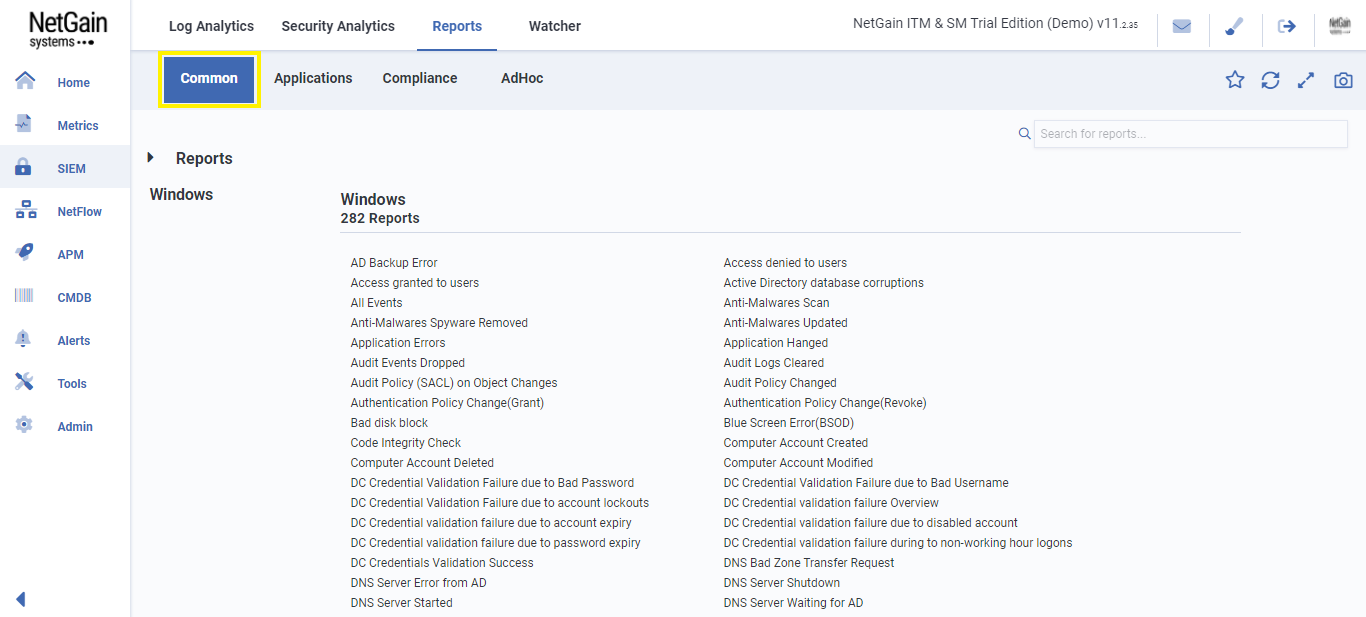
Click on the desired report format. The system will generate a report. As an example of the report as shown in the figure below, chosen to generate a <AD Backup Error> report.
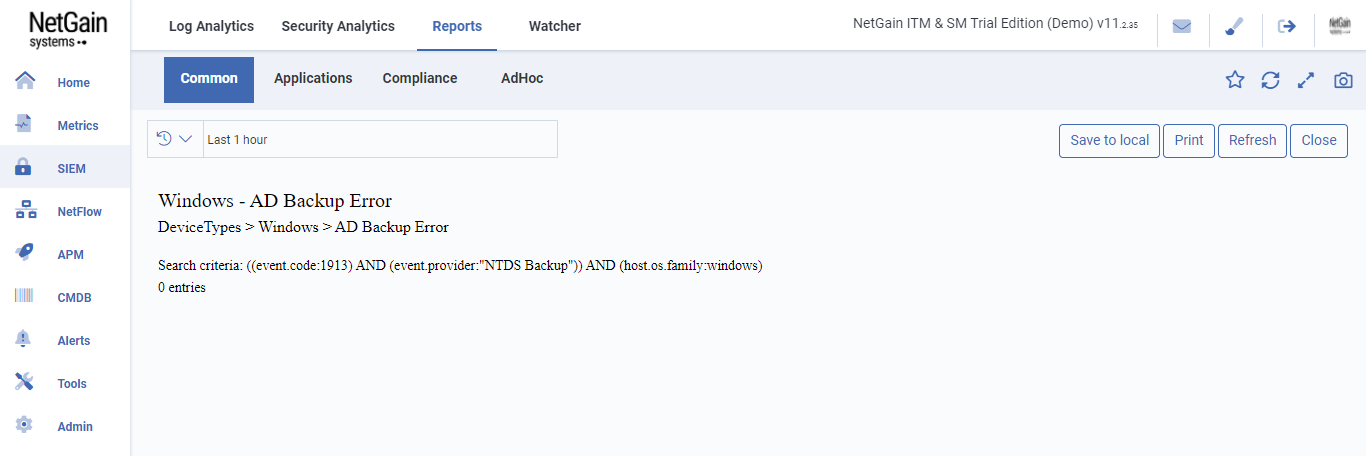
The information shown in the report includes:
Report Name – Show report name.
Device Type – Show description of device type.
Search criteria – Expression for search criteria.
Entries numbers – Number of entries.

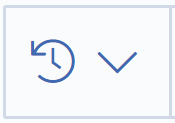 - Select time range of report
Save to local - Save report to local computer and report is HTML format file.
Print – Print report.
Refresh – Refresh report.
Close - Close report page and back to previous page